Getting Started
3 min read
Logging In and Out
Sign in, sign out, and reset your password when needed.
Logging In
1
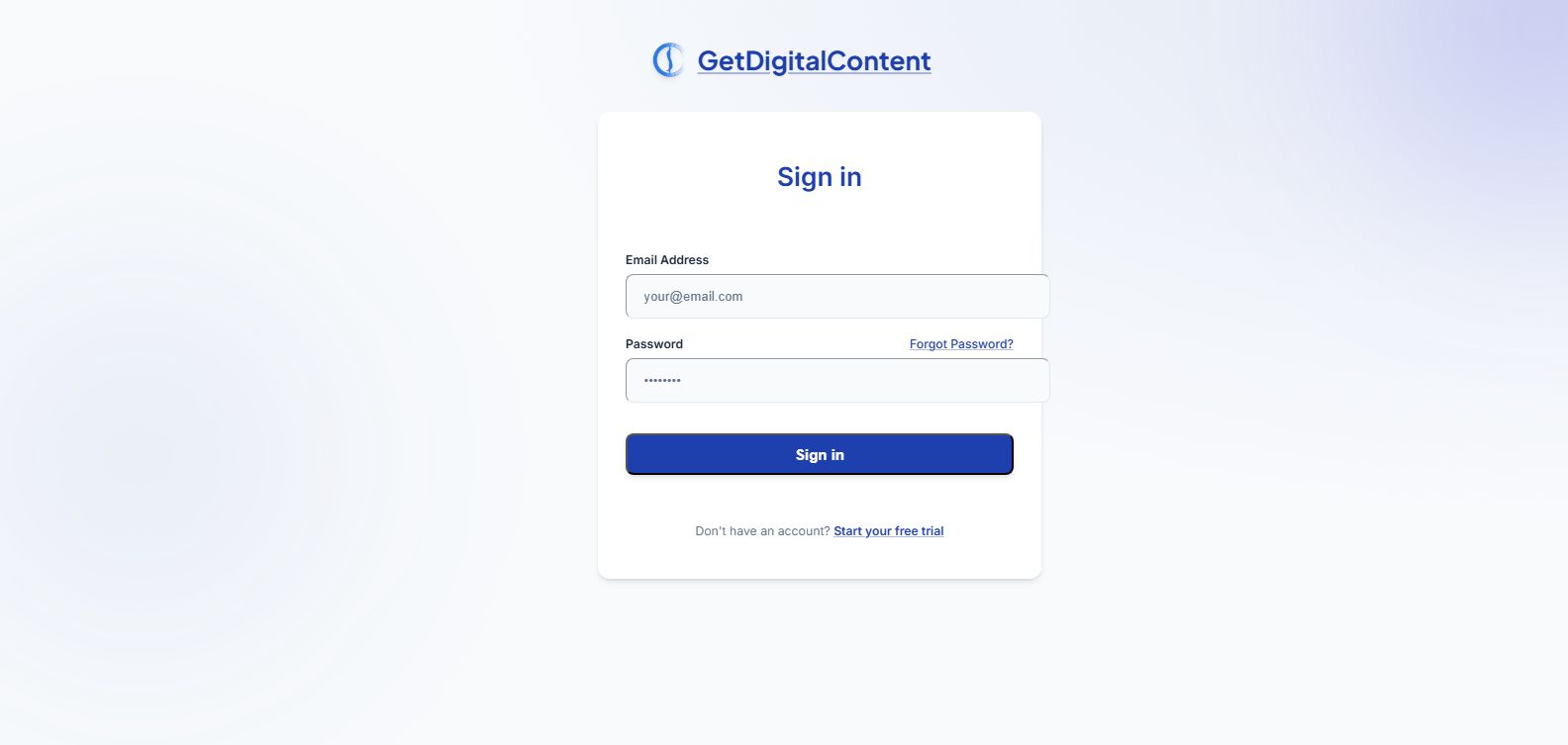
Go to the login page.
2
Enter your email and password.
3
Submit the form to reach the dashboard.
Logging Out
1
Use the logout action in the app header.
2
Confirm that the session has ended if you are on a shared device.
Password Reset
Use the forgot password flow from the login screen if you cannot access your account.
Screenshot Walkthrough
Feedback
Was this article helpful?
Your selection is saved in this browser so you can quickly rate support content as you work.
Keep Going
Related Articles
Verifying Your Email
Next
Understanding Your Dashboard