Getting Started
4 min read
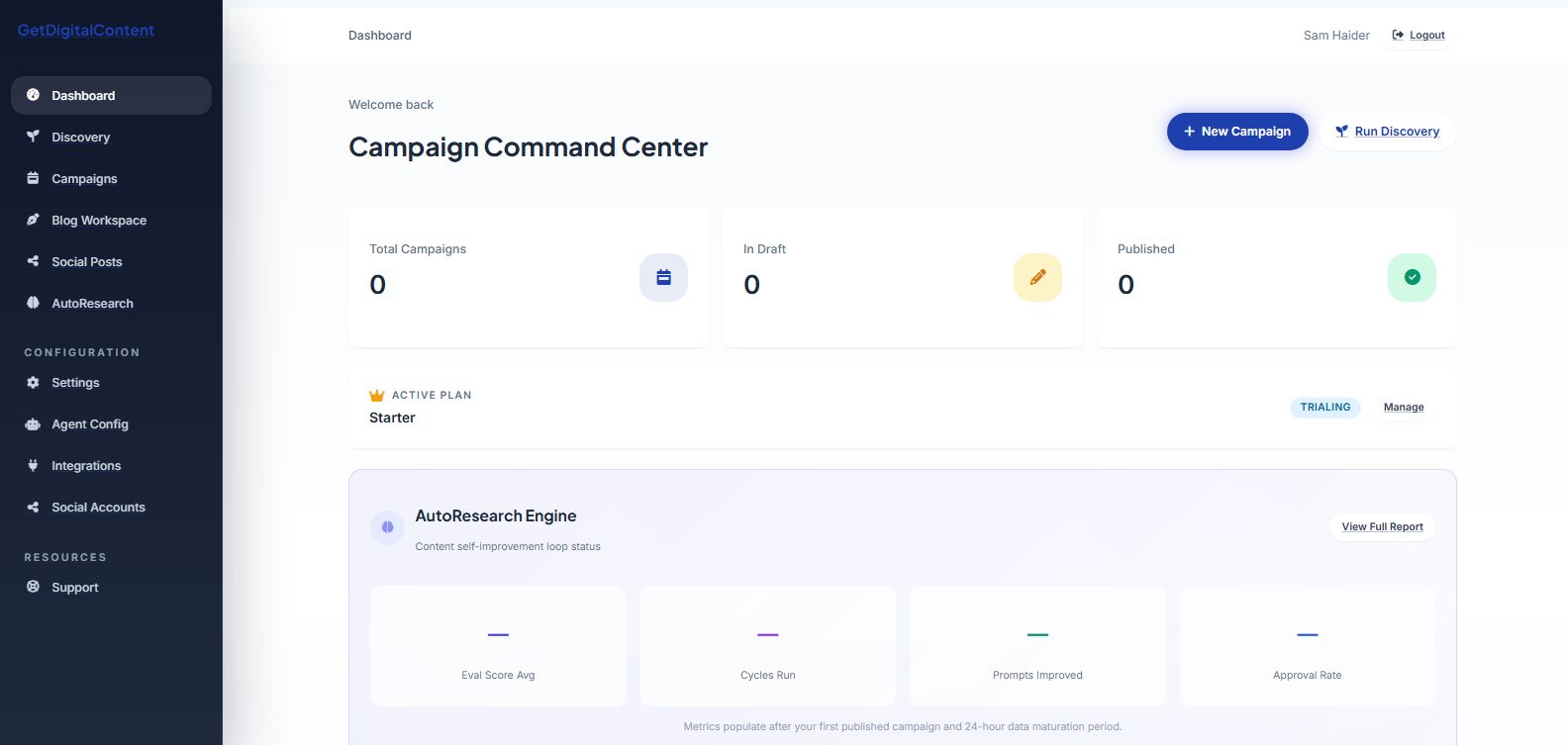
Understanding Your Dashboard
Learn where your plan, category strategy, and recent content activity appear.
What You See
The app opens into chat-first content planning for your business.
Core Areas
- Business profile and strategic category context
- Blog and social publishing progress
- Subscription or trial status
- Quick access to Business Profile, chat, blogs, and social drafts
Screenshot Checklist
Feedback
Was this article helpful?
Your selection is saved in this browser so you can quickly rate support content as you work.
Keep Going
Related Articles
Logging In and Out
Next
Your Free Trial and What's Included