Integrations and Connections
4 min read
Connecting Your WordPress Site
Link your website so approved blogs can be published directly.
Steps
1
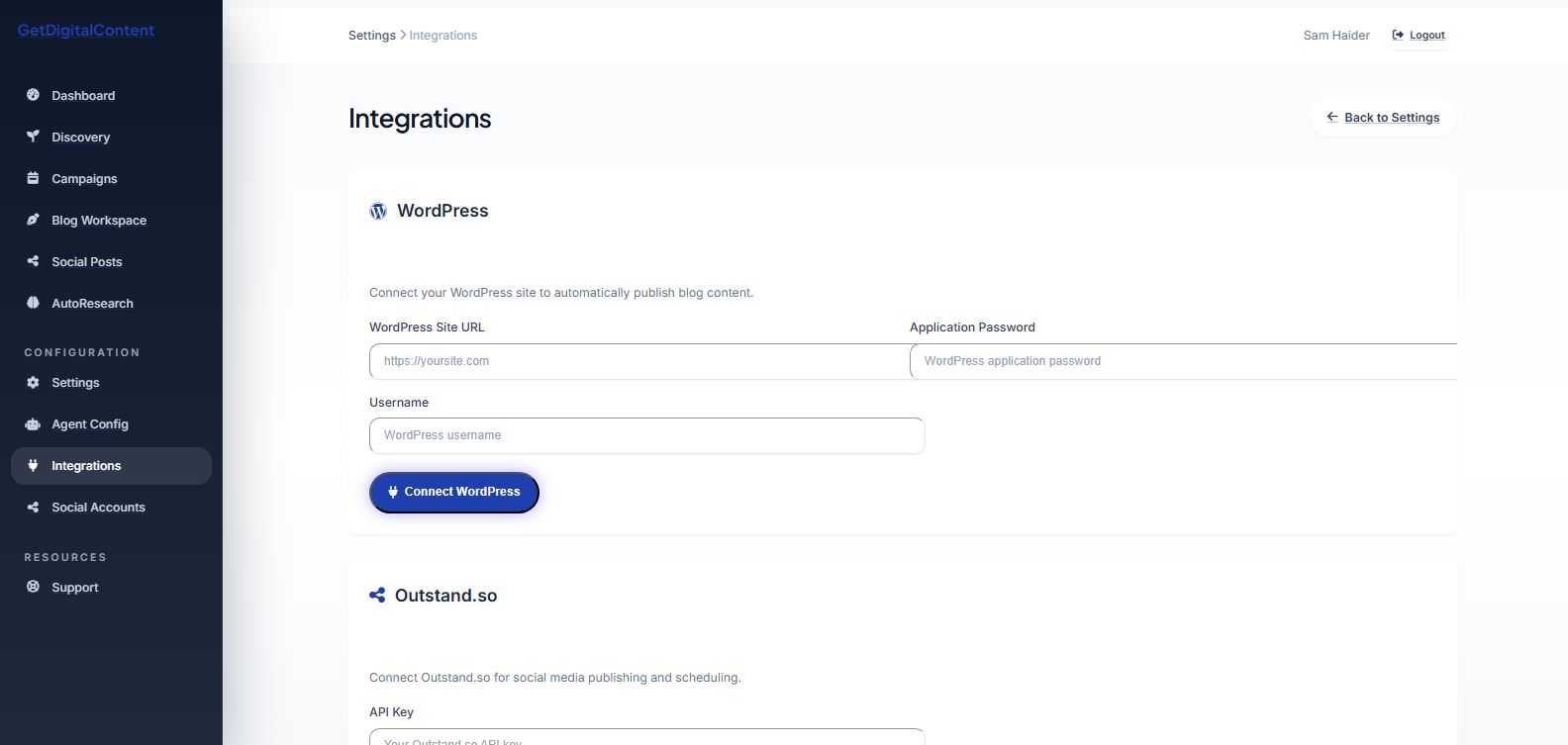
Open Settings and find the integrations section.
2
Enter the WordPress site URL, username, and application password.
3
Save the connection and confirm status.
Website Connection Checklist
- Public site URL is correct
- REST API is reachable
- Application password is active
Screenshot Walkthrough
Feedback
Was this article helpful?
Your selection is saved in this browser so you can quickly rate support content as you work.
Keep Going
Related Articles
Disconnecting a Social Account
Next
Setting Up WordPress Application Passwords