Integrations and Connections
4 min read
Connecting Your Social Media Accounts
Use OAuth to connect supported social platforms without storing passwords in the app.
Steps
1
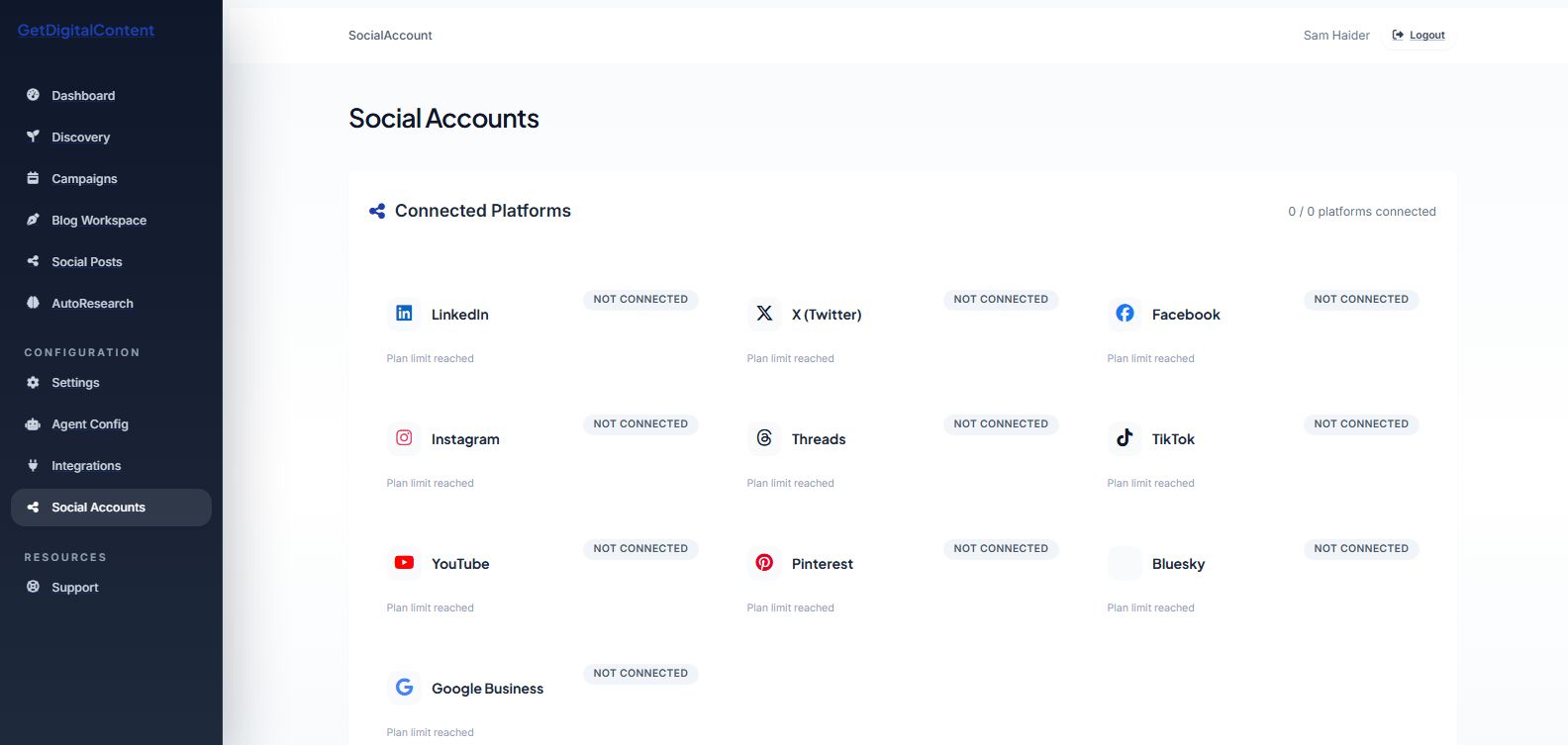
Open Social Accounts.
2
Choose a platform.
3
Click Connect.
4
Complete the provider authorization flow.
5
Return to the app and confirm the connected account.
Screenshot Checklist
Feedback
Was this article helpful?
Your selection is saved in this browser so you can quickly rate support content as you work.
Keep Going
Related Articles
Understanding the OAuth Flow
See how the secure redirect, callback, and account finalization flow works.
Open articleDisconnecting a Social Account
Remove a social connection when you no longer want the app to publish to it.
Open articleTroubleshooting Connection Issues
Resolve common website and social publishing failures.
Open article
Supported Social Platforms
Next
Understanding the OAuth Flow