Social Media
2 min read
Viewing Social Posts by Category or Blog
Filter and review platform-specific posts connected to a category or source blog.
What You Can See
Platform, content preview, hashtags, approval status, and publishing status.
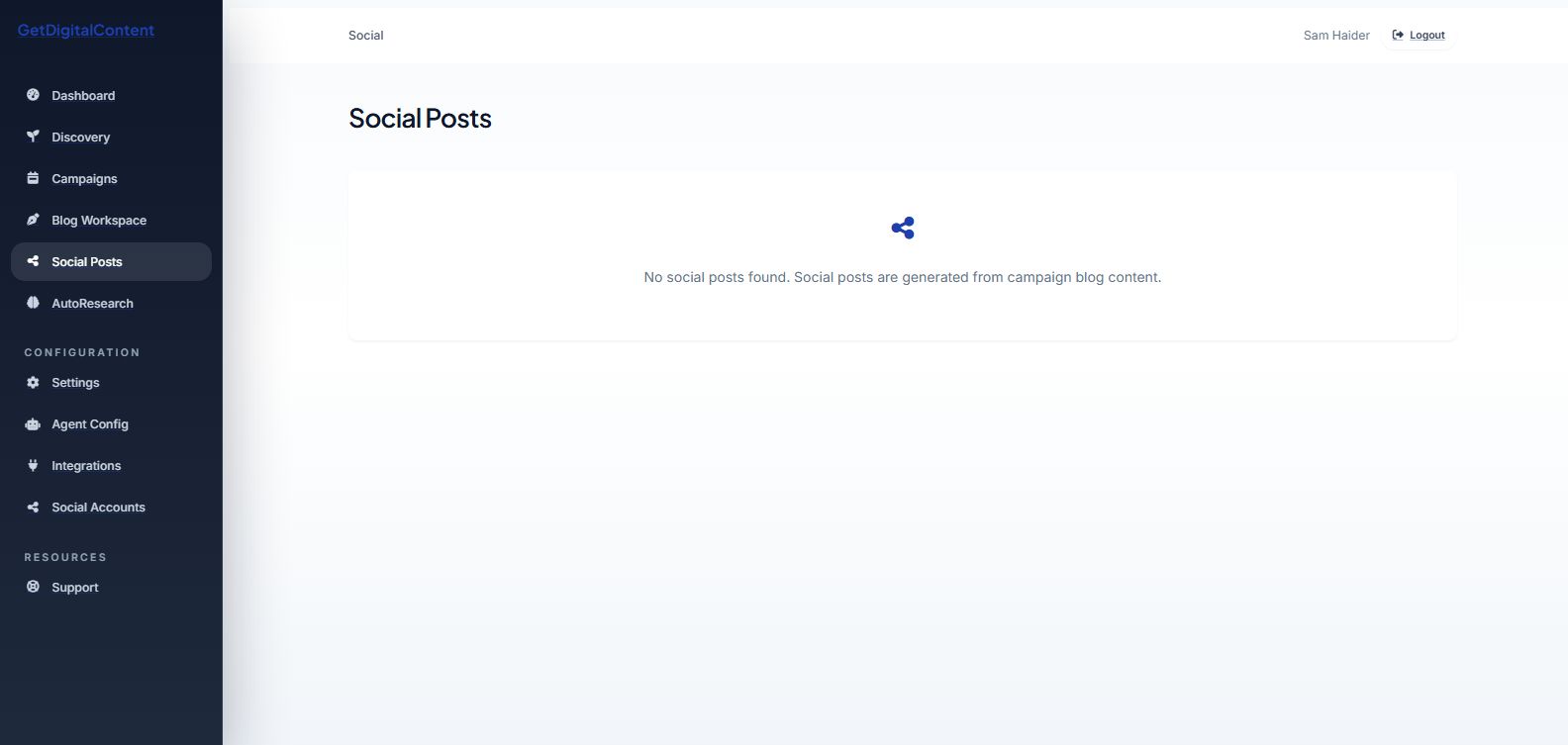
Screenshot Walkthrough
Feedback
Was this article helpful?
Your selection is saved in this browser so you can quickly rate support content as you work.
Keep Going
Related Articles
How Social Posts Are Generated
Next
Editing a Social Post